Master Google Merchant Center Product Feeds for Better Product Visibility
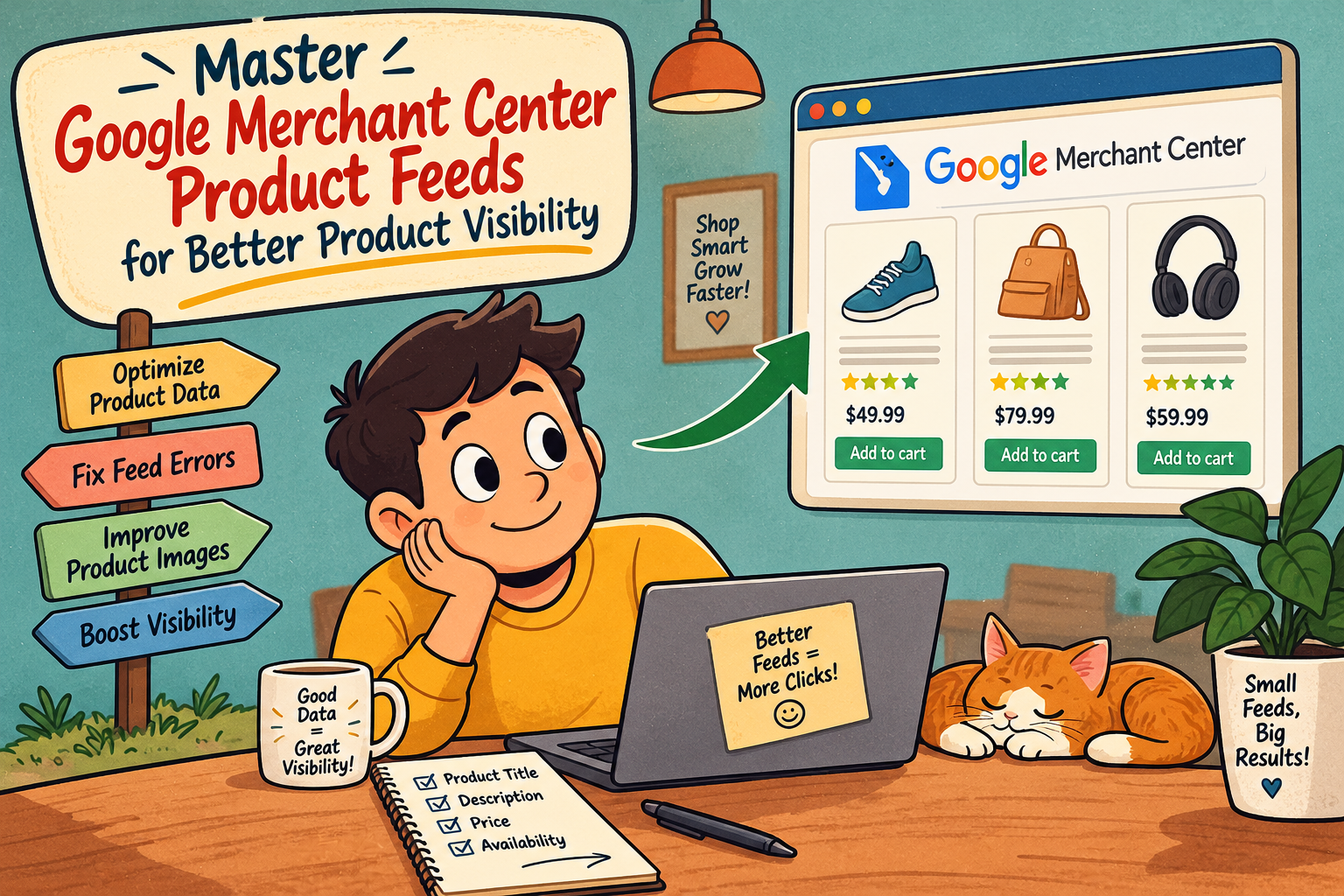
If your products are not visible on Google Shopping searches or on the Shopping tab, or in free product listings, the main reason is probably the same: the feed. It’s helpful to think of Google Merchant Center as the account and infrastructure that Google uses in order to receive, validate, and disseminate your product data across all shopping surfaces of Google. Google Merchant Center does not do the job for you; this job does the product feed. In fact, the product feed is an organized file that tells exactly what you sell (and at which price), what condition it is in, and where to send customers after they click on it. Make the right product feed and you are ready to go; make it wrong and your product will sit “disapproved” in diagnostics while your competitors with their clean data enjoy the traffic. Our article will guide you through Google Merchant Center and e-commerce product feed creation and optimization.
What is the Real Purpose of Google Merchant Center
It is often stated that the Merchant Center is “where you upload your products for Google Shopping” but that’s only part of the story. If you take just the Merchant Center approach, however, it actually trims the problem down to size because it’s a structured path between your product inventory and Google’s shopping interface. Furthermore, it helps a lot in terms of product approval, visibility, and matching your products with relevant searches. For instance, a store with great on-page SEO and schema markup will still produce poor results in Google Shopping if the Merchant Center feed does not keep up with the rest of the content on the web pages.
More and more often, feed data moves outside Google’s shopping channels. As shopping assistants powered by AI grow, the same organized data now utilized in Shopping ads — such as identifiers, price, and availability — is becoming the baseline for all other AI shopping. Moreover, the information needed for Google Merchant Center — identifiers, description, availability, price, brand, and GTIN — matches what is expected by the AI-based shopping systems. Feed quality is no longer just an issue for Google Shopping.
Essential Product Feed Attributes
Google has certain mandatory items for each product irrespective of the file format (XML, TXT, or scheduled fetch). Many bad chances in these mandatory items are the main reasons behind the disapproval or failure of the product to show up in the relevant searches:
| Attribute |
Purpose |
| id |
Unique product identifier (typically your SKU) |
| title |
Product name — should include brand, key attributes, and model, not just a generic label |
| description |
Accurate, detailed product specifications matching the landing page |
| link |
Direct URL to the product’s landing page |
| image_link |
High-resolution, unobstructed product image |
| availability |
In stock, out of stock, or preorder |
| price |
Must match the price shown on the landing page exactly, including currency |
| brand |
Manufacturer or brand name |
| gtin / mpn |
Global Trade Item Number or Manufacturer Part Number — required for most product categories |
| condition |
New, refurbished, or used |
Google has some strict requirements regarding these fields. They have made it very clear that the only way you can submit your feed is by having the exact attributes on it using target market’s language. Not having a GTIN or having a discrepancy of just a few cents in price may lead to a rejection in diagnostics.
Most Frequent Reasons for Feed Disapproval

Feed issues may recur on multiple accounts, and many are part of a well-established series:
Price error — Feed price is different from the schema.org price of the corresponding landing page
Missing essential attributes — most often brand, gtin, or google_product_category
Image quality issue — Google requires that images have resolution of 500×500 px, while 1000×1000 px is preferred
Landing page problem — product URL in the feed delivers an error message, often due to product removal without any changes made to the feed
Rules violation — often caused by unsupported statements, use of copyrighted images, or by the use of restricted product types
Optimization of the Feed: Going Deeper Than Just Getting the Approval
Approval of your feed is just the starting point. For effective results in shopping, more can be done:
The first impressions of the title are the most important: Titles in the shopping interface usually exceed 70 symbols, and thus it is vital to have the brand and core product name at the very beginning of the title.
Make sure the feed is always in sync with the actual inventory: If the feed only updates once per day, it creates a dangerous time lag, where a product may sell out in the morning and still be advertised as available for the rest of the day until the next scheduled update. For retailers that run paid Shopping campaigns, this leads to wasted advertising budget and negatively affects the trust signals Google sees at the level of account.
Utilize a second feed for promotions: Instead of changing the main feed for each promotion that occurs, the second feed will only contain special sale prices. This way, advertisers can avoid any issues the main feed may have in terms of disapproval with so many sales happening as a result of the use of the second feed.
Ensure that the feed meets the requirements of the selected country and language: Shopping campaigns can only be run in a specific country, so advertisers with multiple countries need to have feeds created for each specific country instead of just one feed for all regions.
Determining What Method to Use For Creating and Managing Your Feed
The method to use in creating a feed is dictated by both size of the product catalog and frequency of inventory changes:
- Using an Excel document is only useful for very small and stable catalogs of less than 50 different items since it becomes cumbersome and prone to problems for bigger catalogs.
- Plugins on platforms such as Shopify, WooCommerce, and Adobe Commerce generate feeds through back-end product data and suit big catalogs pretty well but often lack the ability to modify the titles or the description for better optimization in Shopping.
- Using scheduled fetches by the server is the most traditional method for stable inventories; however, they become problematic if the frequency of fetching is not increased when dealing with fast-selling products.
- By employing various feed management tools aimed at synchronizing price, availability, and attribute data, the problem gets solved since prices and availability are constantly updated without the need for batch-update.
This is one of the factors that make ecommerce platforms build Google Merchant Center and Shopping-feed readiness directly into their catalog management — for example, Idiocom considers compatibility with product feed and integration with Google Shopping as inherent features of its marketing platform, rather than as additional options.
Steps to Configure Merchant Center
If you are beginning the process from scratch, all the steps involved in the initial setup will remain the same across any platform:
- Establish a Merchant Center account and verify and claim the business’s URL.
- Set the language and the country you are intending to target.
- Prepare a feed with all the necessary attributes as per the specifications provided by Google.
- Manually upload the feed or schedule automated fetch.
- Connect your account to Google Ads if any shopping campaigns are foreseen; make sure that you have worked out the shipping policy and any taxation issues.
- Regularly monitor the diagnostics section and resolve any issues before launching products.
The Bottom Line
The performance of Google Merchant Center greatly relies on the quality of the feed rather than on the settings in the Merchant Center account. To succeed in the Google Shopping program, the merchant has to maintain a complete, reliable, and regularly updated feed that has correct identifiers and prices. For those with growing catalogs, creating more production
comes from making the process of feed preparation an ongoing operation practiced during catalog management.
Common Questions:
Is Google Merchant Center necessary for those who do not run any paid campaigns? Yes, Merchant Center feeds product data for free listings on Google Shopping and some organic searches, and it has a perfect application for businesses that do not invest into paid campaigns.
What is the frequency of updates for feeds? For businesses that see changes in their prices and stock often, making updates once a day is often not enough as near real-time or several updates per day eliminate the chances of showing out-of-stock offers or wrongly-priced products.
Why would a product get disapproved if the website seems to be working fine? It is important to understand that the feed is evaluated separately from the actual page. Even the smallest discrepancy such as a different price in a feed and schema markup can lead to a disapproval despite a page being normal for any visitor.
Is GTIN a must for product retailers? In most cases, yes. The majority of products without GTIN or MPN or brand are not allowed to the full Shopping placement.
What is the most significant solution to fix an unsuccessful feed? Fixing the discrepancies in pricing and availability of the feed with the live site, as this is the most frequent reason for disapproval and undermines customers’ trust in the information from the advertisements.