Create Your First Store
Set up your first Idiocom store in a few simple steps.
Once your Idiocom account is ready, select Create Your First Store from your merchant dashboard.
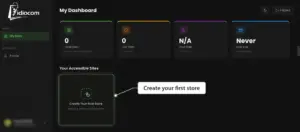
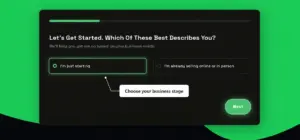
1. Choose Your Business Stage
Select whether you are:
- Just starting
- Already selling online or in person
Then click Next.
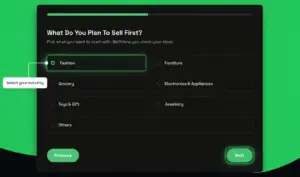
2. Select Your Industry
Choose the category that best matches what you plan to sell, then click Next.
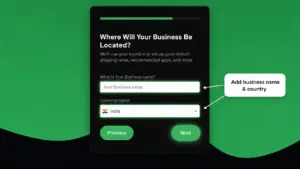
3. Add Your Business Details
Enter your business name and select your country or region.
Click Next to continue.
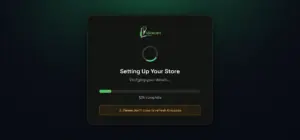
4. Let Idiocom Create Your Store
Idiocom will prepare your store automatically. This usually takes less than a minute.
5. Open Your Store Dashboard
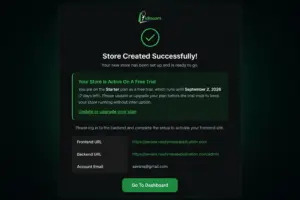
Once your store is created, you’ll see your Frontend URL, Backend URL and account details.
Click Go To Dashboard.
Next: Set Up Your Idiocom Store
Quick Steps
- 1 Create Your First Store
- 2 Choose Your Business Stage
- 3 Select Your Industry
- 4 Add Business Name & Country
- 5 Let Idiocom Create Your Store
- 6 Go to Your Dashboard
Tip: Choose the business stage, industry and country that best match your store today. You can update and expand your store settings later as your business grows.






